> ## Documentation Index
> Fetch the complete documentation index at: https://docs.myrax.app/llms.txt
> Use this file to discover all available pages before exploring further.
# Introduction
> Lightweight, plugin-extensible control panel for Linux servers
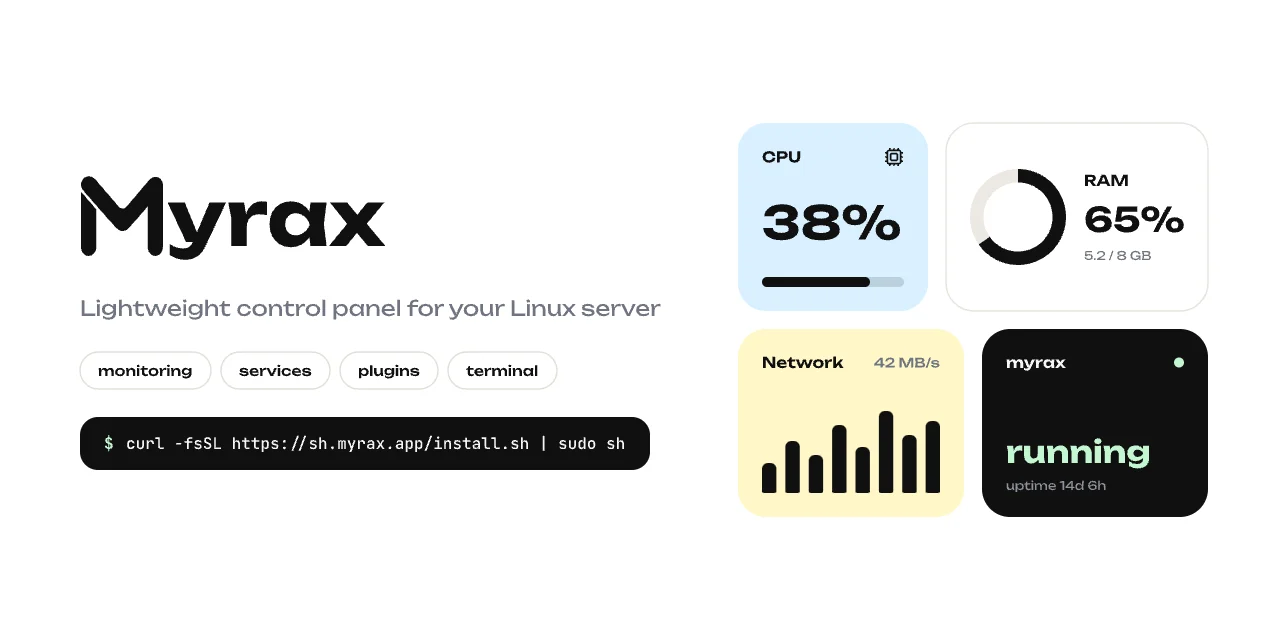 Myrax is a control panel for Linux servers shipped as a single Go binary. No
database, no docker, no agents — it reads `/proc` and `/sys` directly and serves
a fast web UI with realtime metrics over SSE.
```sh theme={null}
curl -fsSL https://sh.myrax.app/install.sh | sudo sh
```
## What it does
CPU, RAM and disk gauges with sparklines, threshold alerts, network
throughput, top processes.
Sort and kill processes, start / stop / restart systemd units from the
browser.
Install Marzban or Terminal by name, or any plugin from a GitHub URL.
Add your own tab to the panel with a JS frontend and an optional backend
runtime in any language.
## How it's built
| | |
| ------- | ------------------------------------------------------------------- |
| Binary | single static Go binary, \~11 MB, amd64 / arm64 |
| Web UI | Svelte, embedded into the binary via `go:embed` |
| Metrics | `/proc` and `/sys` collectors, 1s refresh over SSE |
| Plugins | JS frontend + supervised backend runtime, proxied through the panel |
| Service | systemd or runit unit, registered by the installer |
## Where to go next
* [Installation](/installation) — get a panel running in under a minute.
* [CLI](/cli) — every `myrax` command.
* [Plugin quickstart](/plugins/dev/quickstart) — build a plugin with its own panel tab.
Myrax is a control panel for Linux servers shipped as a single Go binary. No
database, no docker, no agents — it reads `/proc` and `/sys` directly and serves
a fast web UI with realtime metrics over SSE.
```sh theme={null}
curl -fsSL https://sh.myrax.app/install.sh | sudo sh
```
## What it does
CPU, RAM and disk gauges with sparklines, threshold alerts, network
throughput, top processes.
Sort and kill processes, start / stop / restart systemd units from the
browser.
Install Marzban or Terminal by name, or any plugin from a GitHub URL.
Add your own tab to the panel with a JS frontend and an optional backend
runtime in any language.
## How it's built
| | |
| ------- | ------------------------------------------------------------------- |
| Binary | single static Go binary, \~11 MB, amd64 / arm64 |
| Web UI | Svelte, embedded into the binary via `go:embed` |
| Metrics | `/proc` and `/sys` collectors, 1s refresh over SSE |
| Plugins | JS frontend + supervised backend runtime, proxied through the panel |
| Service | systemd or runit unit, registered by the installer |
## Where to go next
* [Installation](/installation) — get a panel running in under a minute.
* [CLI](/cli) — every `myrax` command.
* [Plugin quickstart](/plugins/dev/quickstart) — build a plugin with its own panel tab.