> ## Documentation Index
> Fetch the complete documentation index at: https://docs.myrax.app/llms.txt
> Use this file to discover all available pages before exploring further.
# Panel
> What every screen does
The panel is a single-page Svelte app served by the binary. Metrics stream
over SSE with a 1-second refresh. Dark and light themes, mobile layout.
## Overview
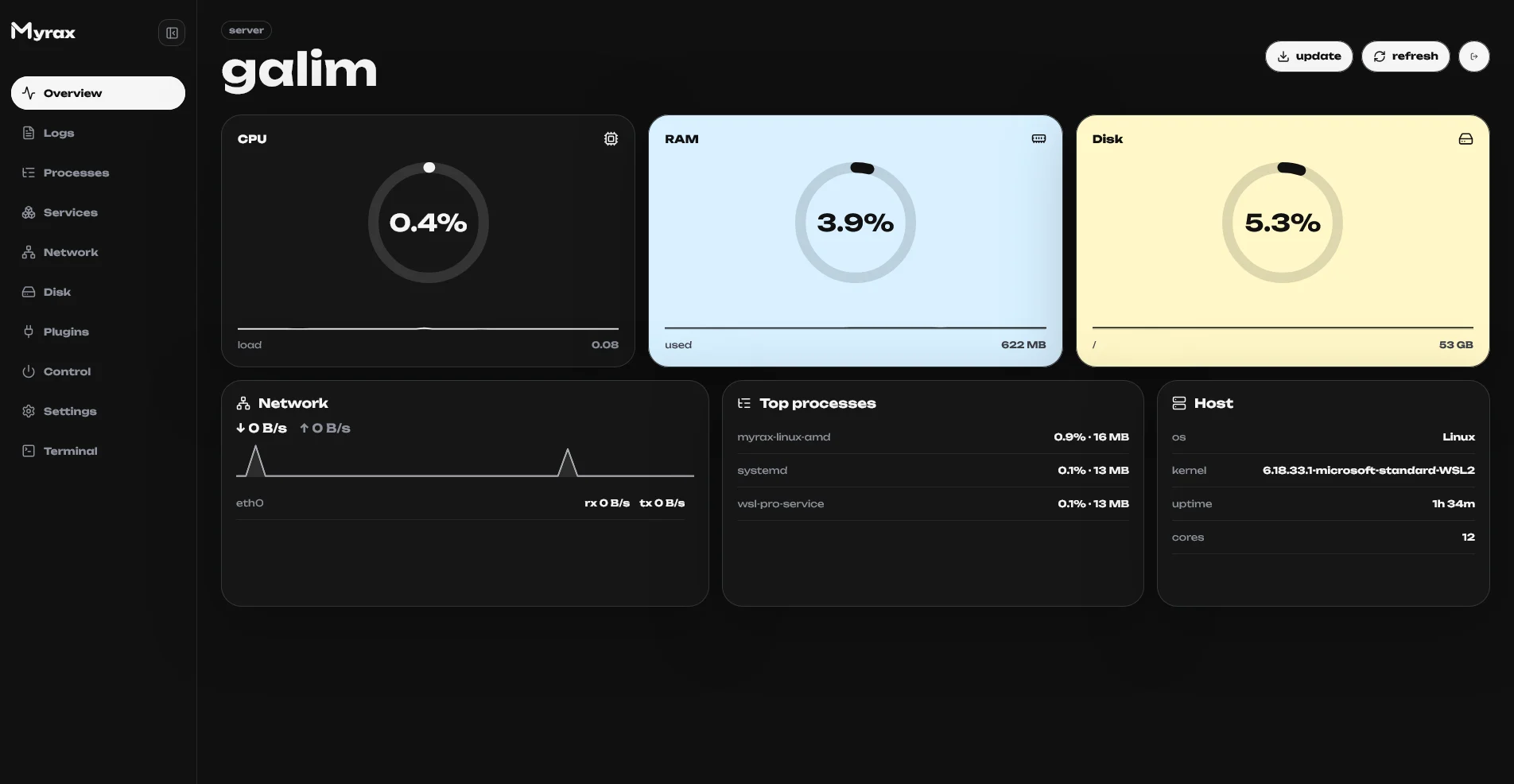 * **CPU / RAM / Disk** — ring gauges with live sparklines (last \~48 samples,
kept across tab switches).
* **Thresholds** — cards repaint when a metric crosses its limit: yellow at
CPU 75% / RAM 80% / Disk 75%, red at 90 / 92 / 85. A badge shows
`elevated` or `high`.
* **Network** — total ↓ / ↑ since boot plus a dual sparkline of current
rx/tx rates.
* **Top processes** — top 3 by CPU with memory usage.
* **Host** — hostname, distro, kernel, uptime, load.
## Processes
* **CPU / RAM / Disk** — ring gauges with live sparklines (last \~48 samples,
kept across tab switches).
* **Thresholds** — cards repaint when a metric crosses its limit: yellow at
CPU 75% / RAM 80% / Disk 75%, red at 90 / 92 / 85. A badge shows
`elevated` or `high`.
* **Network** — total ↓ / ↑ since boot plus a dual sparkline of current
rx/tx rates.
* **Top processes** — top 3 by CPU with memory usage.
* **Host** — hostname, distro, kernel, uptime, load.
## Processes
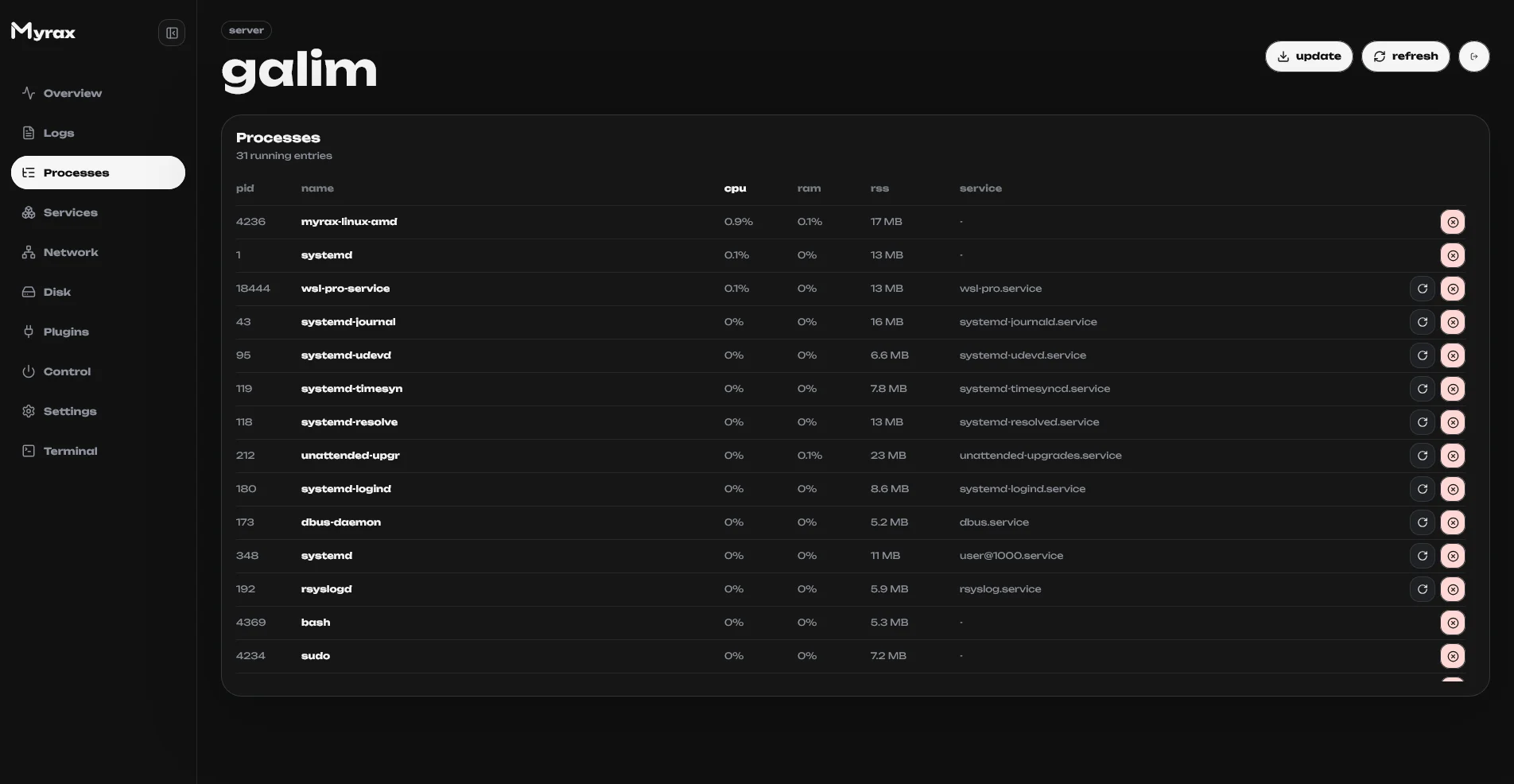 Live process table — sort by CPU, memory, PID or name, and kill processes from
the row menu.
## Services
systemd units: status at a glance, start / stop / restart per unit.
## Network & Disks
Per-interface throughput with live graphs; mounted volumes with size, used
space and usage bars.
## Logs
Journal tail streamed to the browser over SSE.
## Control
Live process table — sort by CPU, memory, PID or name, and kill processes from
the row menu.
## Services
systemd units: status at a glance, start / stop / restart per unit.
## Network & Disks
Per-interface throughput with live graphs; mounted volumes with size, used
space and usage bars.
## Logs
Journal tail streamed to the browser over SSE.
## Control
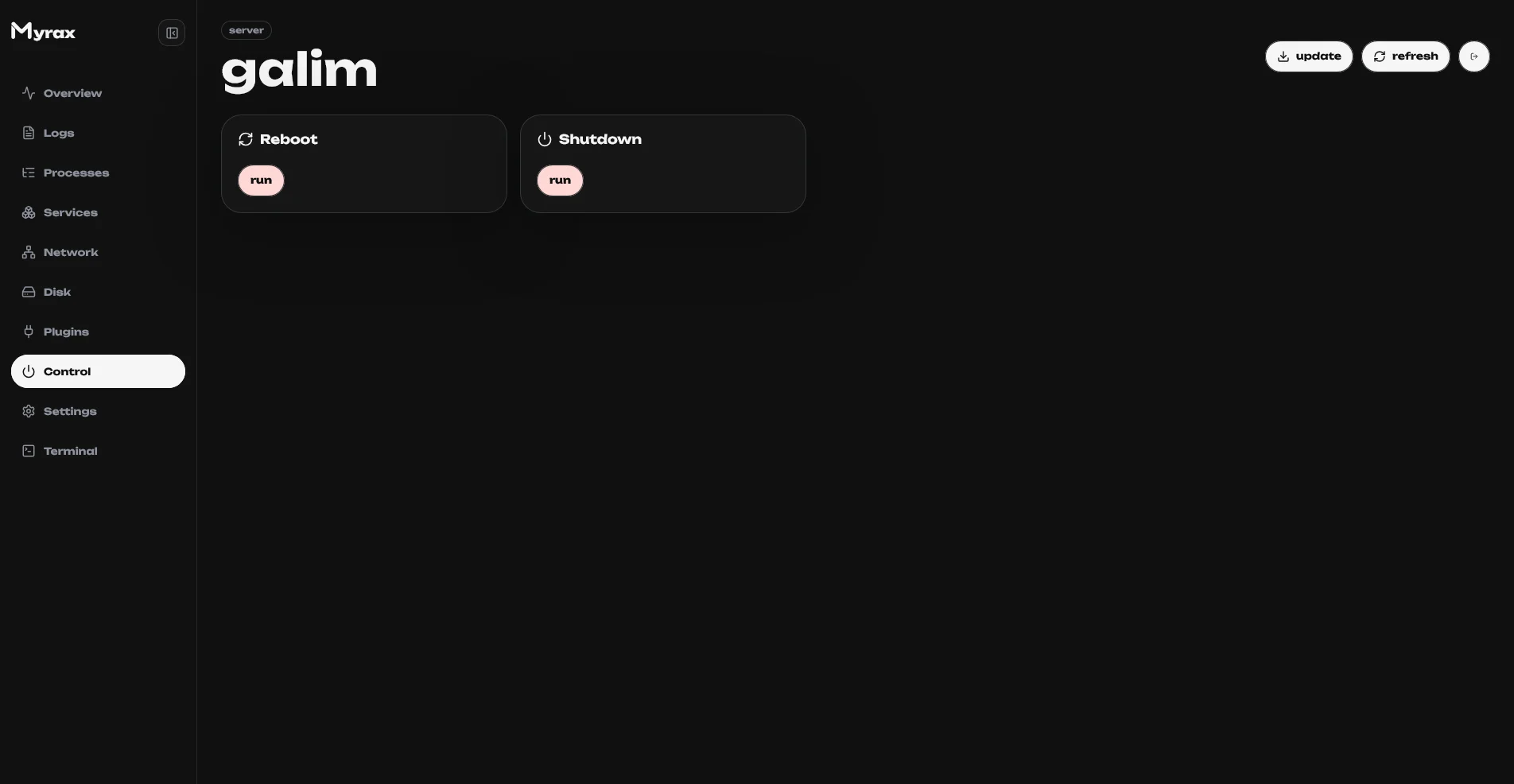 Reboot, shutdown and panel self-update. Update checks the latest GitHub
release and swaps the binary in place.
## Settings
Reboot, shutdown and panel self-update. Update checks the latest GitHub
release and swaps the binary in place.
## Settings
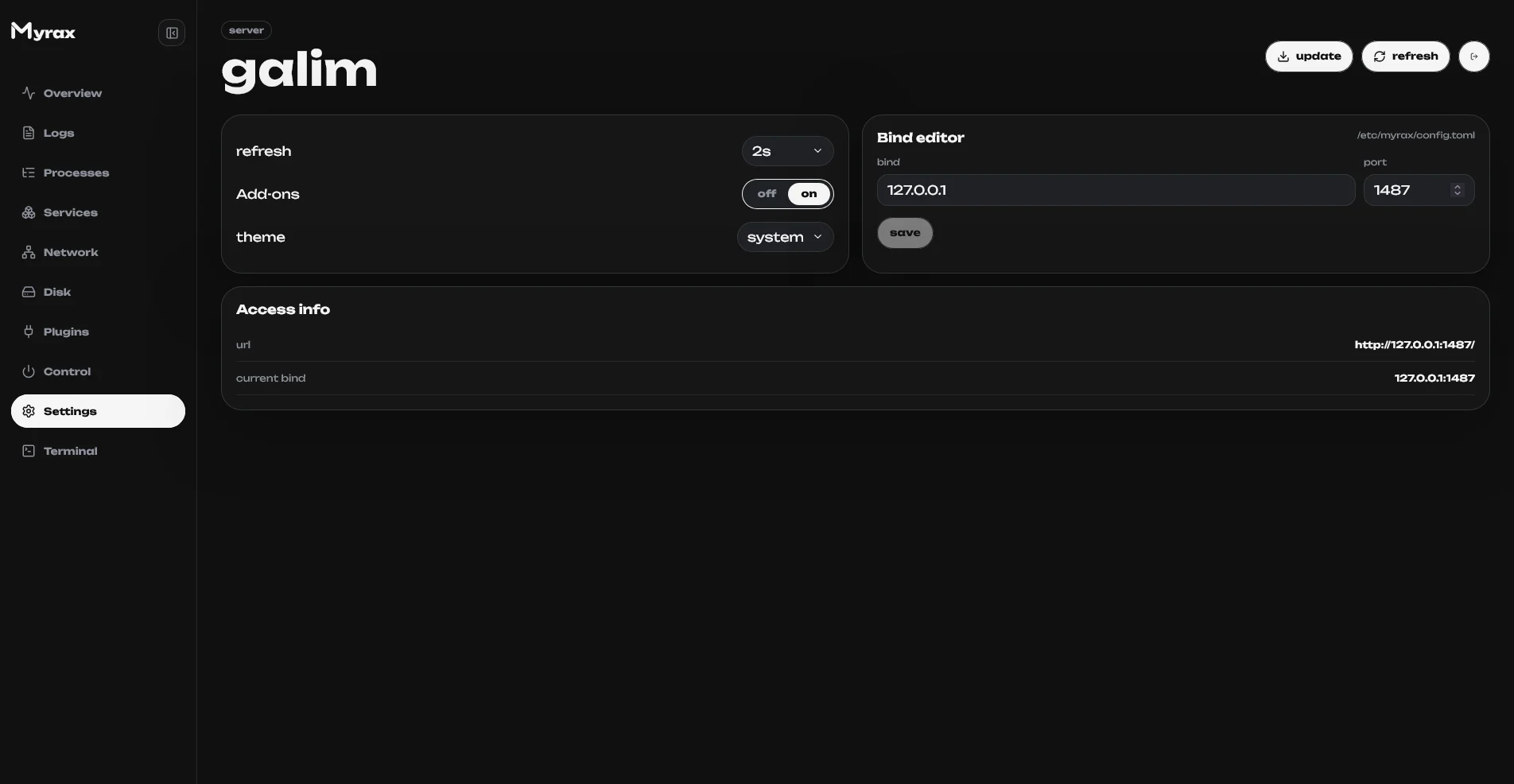 * Refresh rate, theme (dark / light / system).
* Bind editor — host, port and panel path, same as `myrax configure`.
* **Add-ons** toggle — turns the plugin system on; the Plugins screen and the
store appear once enabled.
## Plugins
Installed plugins and the built-in store. See [Plugins](/plugins/overview).
* Refresh rate, theme (dark / light / system).
* Bind editor — host, port and panel path, same as `myrax configure`.
* **Add-ons** toggle — turns the plugin system on; the Plugins screen and the
store appear once enabled.
## Plugins
Installed plugins and the built-in store. See [Plugins](/plugins/overview).