

Install
Connect
Open the tab and enter your Marzban URL and admin credentials. The runtime logs in, stores the access token server-side in the plugin’s data directory — the token never reaches the browser — and refreshes it as needed. Disconnect from the same screen wipes the session.What it does
- Users — list, create, edit, delete, reset usage, revoke subscription.
- Admins — list, create, delete, toggle a user’s admin flag.
- Nodes — list, create, edit, reconnect, delete.
- Hosts & templates — fully editable.
- Core — view and edit the Xray config, restart the core.
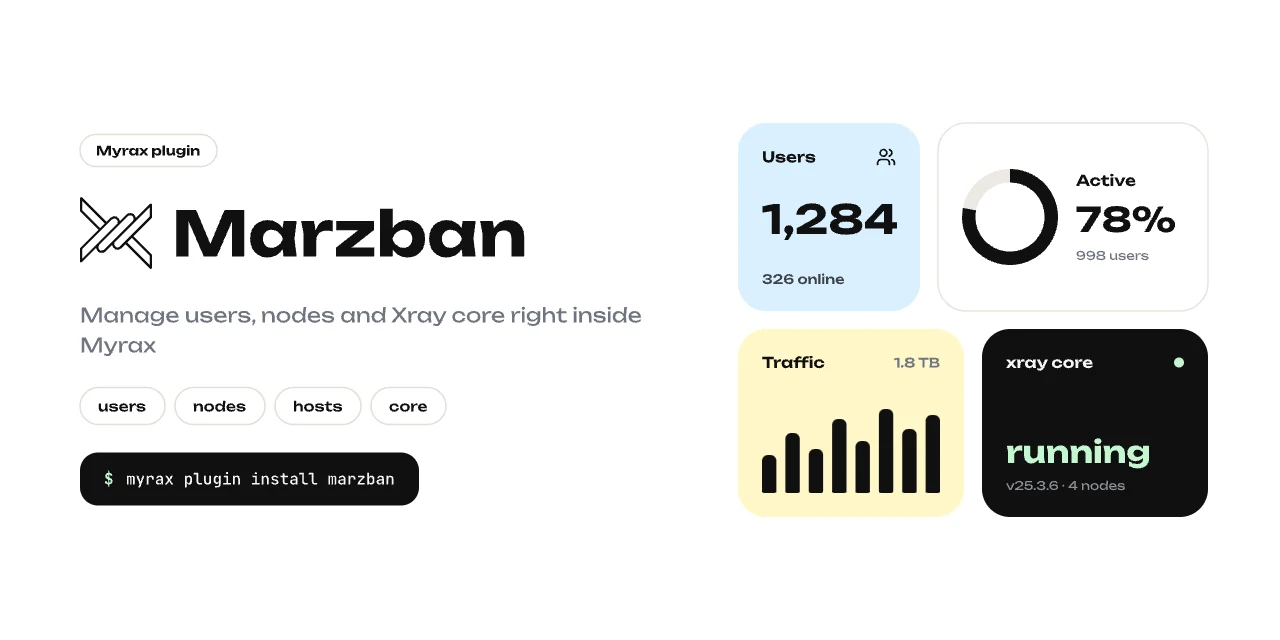
- Overview — user counts, traffic and core status from the Marzban API.
How it works
The runtime is a small Node.js HTTP server (runtime/server.js) supervised
by the panel:
/api/plugins/marzban/proxy/..., so the
browser only ever talks to the Myrax origin.
Requires Node.js on the server and Myrax >= 0.1.0.