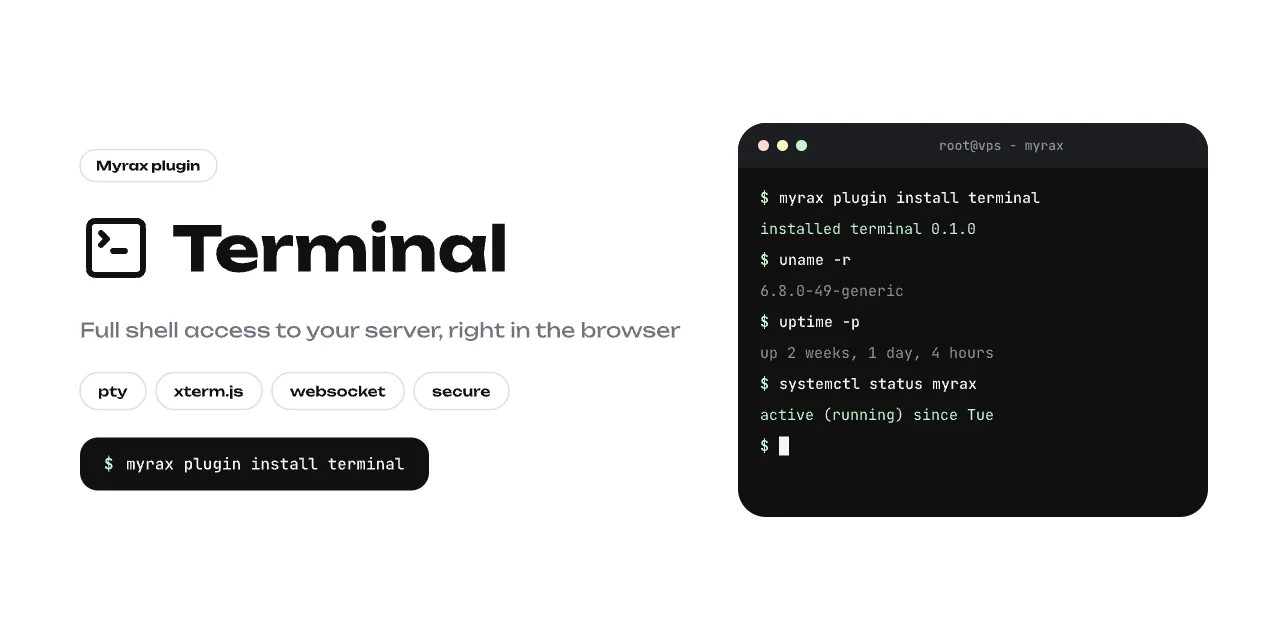
Terminal plugin A real shell in the panel — xterm.js on the front, a pty over websocket on the back. vim, htop, ssh and tab-completion all work.

Install

myrax plugin install terminal
or Plugins → store → Terminal in the panel. A Terminal tab appears in the sidebar. No extra dependencies: the pty runtime ships inside the Myrax binary itself — the manifest points at myrax plugin-runtime terminal.

What you get

  • Login shell with full TTY semantics, 6000 lines of scrollback.
  • Monochrome theme matching the panel; auto-fit on window resize.
  • Reconnect and clear buttons, connection state indicator.

How it works

The runtime exposes two endpoints, proxied by the panel:
GET /health      liveness
WS  /terminal    raw pty stream (stdin/stdout + resize messages)
The frontend connects through /api/plugins/terminal/ws/terminal, so the websocket rides the same origin, port and session auth as the panel. Requires Myrax >= 0.1.0.